

If you are following the blog and installed external PSC 6.0 for Windows on a site containing a vCenter, we will now upgrade this structure to the 6.5 environment starting with the external PSC.
Before you begin, please see the links below to check product compatibility with vCenter:
VMware Product Interoperability Matrices
Upgrade script for vCenter 6.5
Let’s follow the steps in the image below, first starting by updating the PSC.

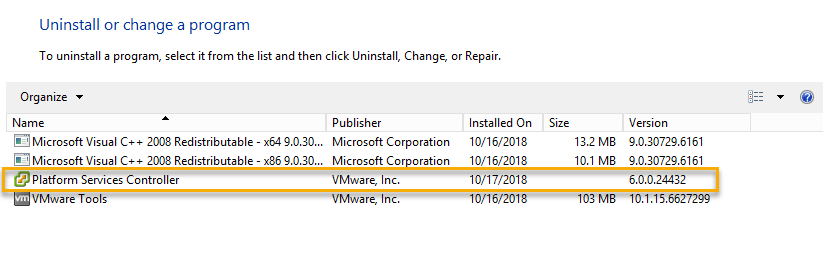
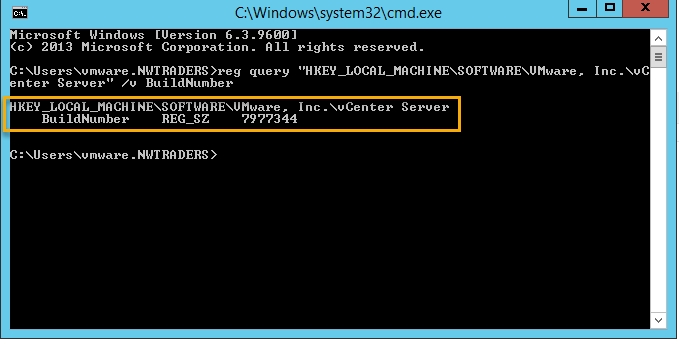
Verifying Version and Build of PSC 6.0
On the Add / Remove Programs console in Windows.
On Windows command prompt.
In the URL https: // fqdn-or-ip / psc

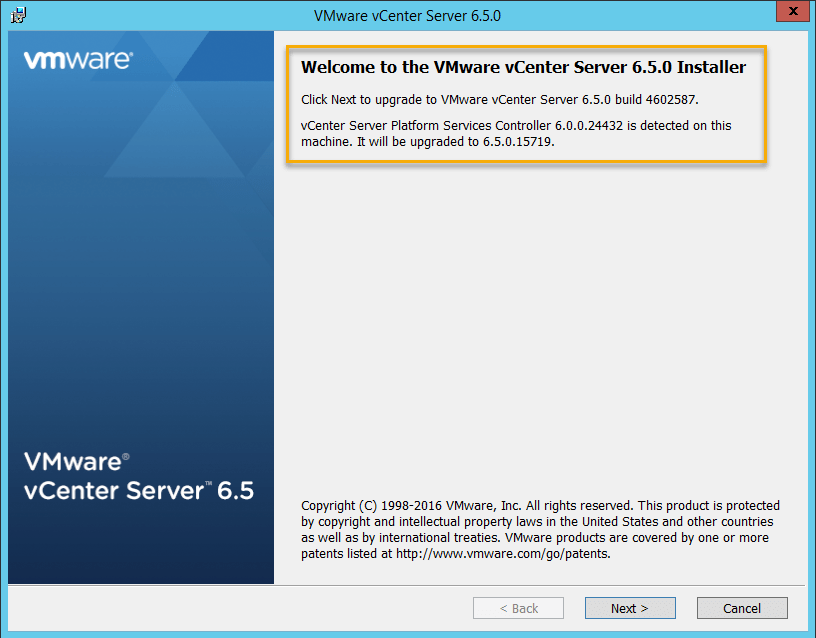
Upgrading the PSC
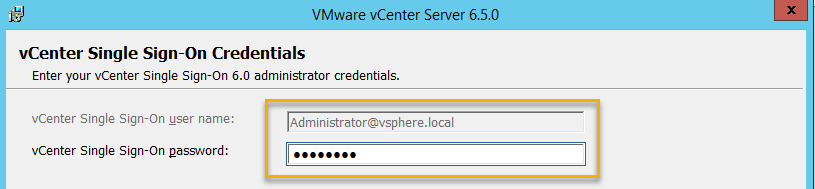
Enter the password for administrator@vsphere.local
Please wait for validation.

Check the network ports.
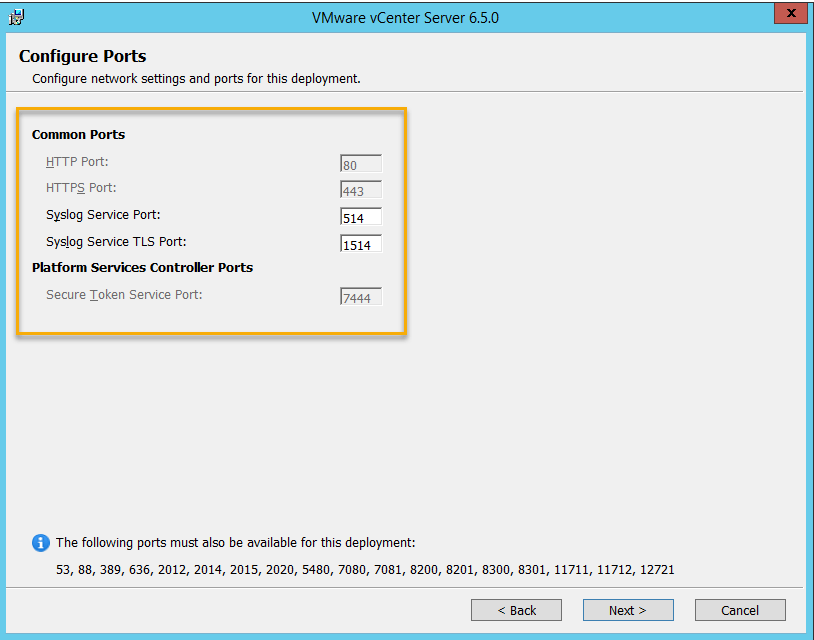
Maintain the default installation.

Upgrade Summary. Check the I Verify … Machine box.

Accompanying the upgrade.
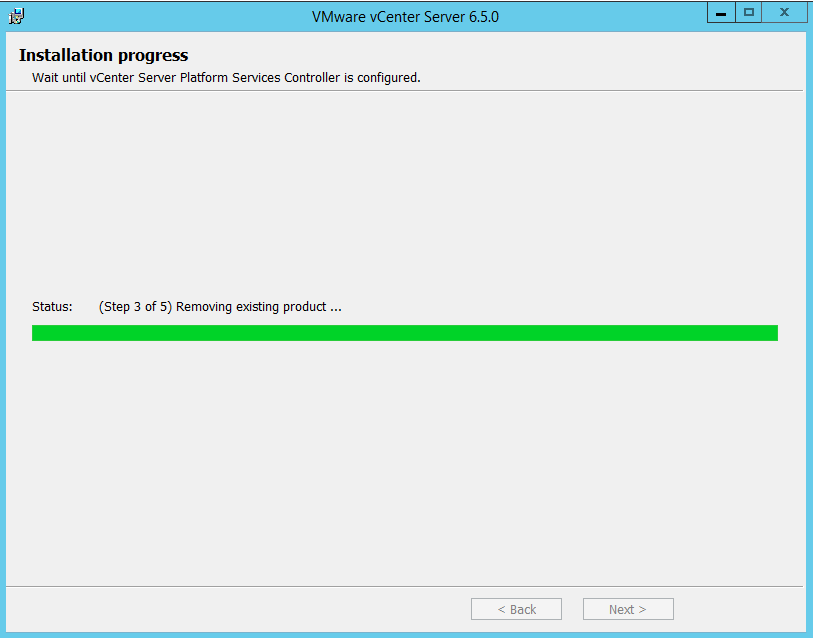

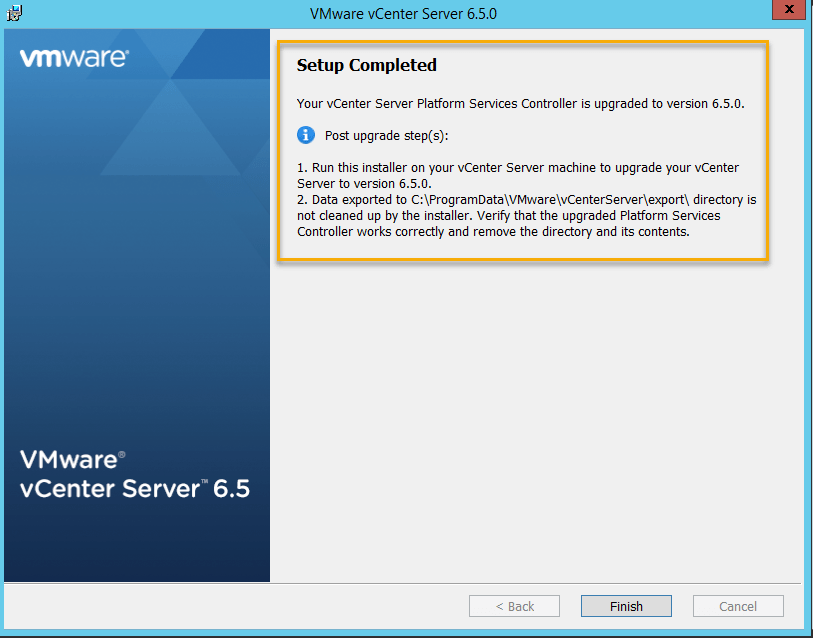
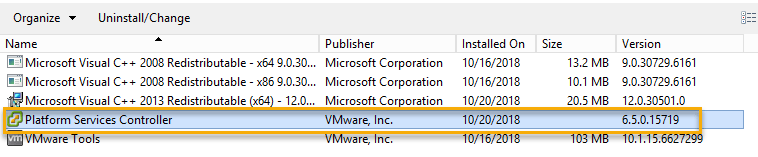
Checking the New Version and Build of PSC 6.5
On the Add / Remove Programs console in Windows.
No Windows command prompt.

On URL https://fqdn-ou-ip/psc

Ready! Next post we will upgrade vCenter 6.0 for Windows to vCenter 6.5.
Conclusion
For those who are still using the vCenter for Windows version for whatever reason, we have taken the steps required to migrate a framework containing external Platform Services Controller. The focus at the end of the series is we migrated to version 6.7 VCSA, I did not fail to follow the following posts.
“Cowards die several times before his death, but the brave man experiences death only once. ”

 virtualization-warrior